

Sessions auto-populate
Every trace belongs to a session, even when you write no grouping code. Attracing.init() the SDK establishes a process-wide session id, and traces inherit it.
The ambient session id resolves in this order: the GATEWAY_SESSION_ID environment variable if set (a stable pin, useful across restarts), otherwise an id generated once per process. Finer-grained boundaries — a tracing.session() block, a world session, an explicit attribute, a run rollout — override the ambient default per span.
For one span, the first of these that applies wins:
- A run rollout’s session id.
- A session id set on the span when it is created.
- The innermost
tracing.session()block or world session. GATEWAY_SESSION_ID, then the per-process id.
Set
GATEWAY_SESSION_ID when you want every trace from a process to land in one named session, for example one session per deployment or per job. Leave it unset to get a fresh session id each time the process starts.Group a block of traces with tracing.session()
tracing.session() names a session for a block. Every span created inside carries the session id: your own trace and span blocks, auto-instrumented LLM calls, and tool spans alike.
tracing.session() blocks use the innermost id.
Set the session id on a span
Set thetracing.semconv.SESSION_ID attribute to the same stable value on every turn, and Surface Area collects those traces under one session.
semconv.SESSION_ID maps to the attribute key gateway.session.id. Use a value that is stable for the conversation and unique across conversations, such as a chat thread id or a request id you already track.
Pair the session id with
tracing.semconv.USER_ID (gateway.user.id) when you know who the conversation belongs to. Surface Area then filters sessions by user as well as by session. See Metadata & identity.Trace two turns into one session
The example below traces two turns and groups them underconversation-42.
1
Set your Surface Area connection
2
Write the conversation
3
Open the Sessions dashboard
Run the script, then open your project in Surface Area and go to the Sessions view. Both turns appear under one
conversation-42 session, in order.Group traces with run and rollout context
A run and its rollouts assign session ids for you. Each rollout opened inside a run gets its own session id, and every trace created inside that rollout inherits it with noset_attribute call.
session_id property when you need it elsewhere, for example when attaching a score to the same session.
Trace inside a world session
When your agent works in a live world session, its traces belong with that session. The platform already traces the session’s tool calls under the world session’s id, so trace your agent inside the session and both land in one place.with block does it for you. For a session you did not open with with, wrap the work in s.trace_context(). In TypeScript, use session.withTraceContext(fn). run_sessions and runSessions trace every agent call this way.
Spans started inside take the world session’s id as their session id and carry world_session_id in their trace metadata. A tracing.session() block inside, or a run rollout, still sets the session id; the metadata stays. A tracing.session() block outside is overridden for the length of the world session. Open the world session before your agent’s first span: a span started earlier keeps the id it started with, and its trace can then land in that session instead.
Nothing is recorded until
tracing.init() has run, and the session page shows the traces only when they are sent with keys for the project the world session belongs to. Threads your agent starts do not inherit the scope: enter s.trace_context() inside them, and leave the block on the thread that entered it.Set the session id on auto-instrumented LLM calls
Auto-instrumented LLM calls produce spans where notracing.trace block is in scope. Use tracing.tracing_context(session_id=...) to attach a session id to those spans for the duration of the block.
When no session id is set on a span (no
tracing_context, no run rollout), the span falls back to the process-wide ambient session id.Read sessions and traces in the dashboard
Open Sessions from the project navigation to see the sessions table. Each row is one session; the trace evidence view sits one level down and lists the individual traces inside it.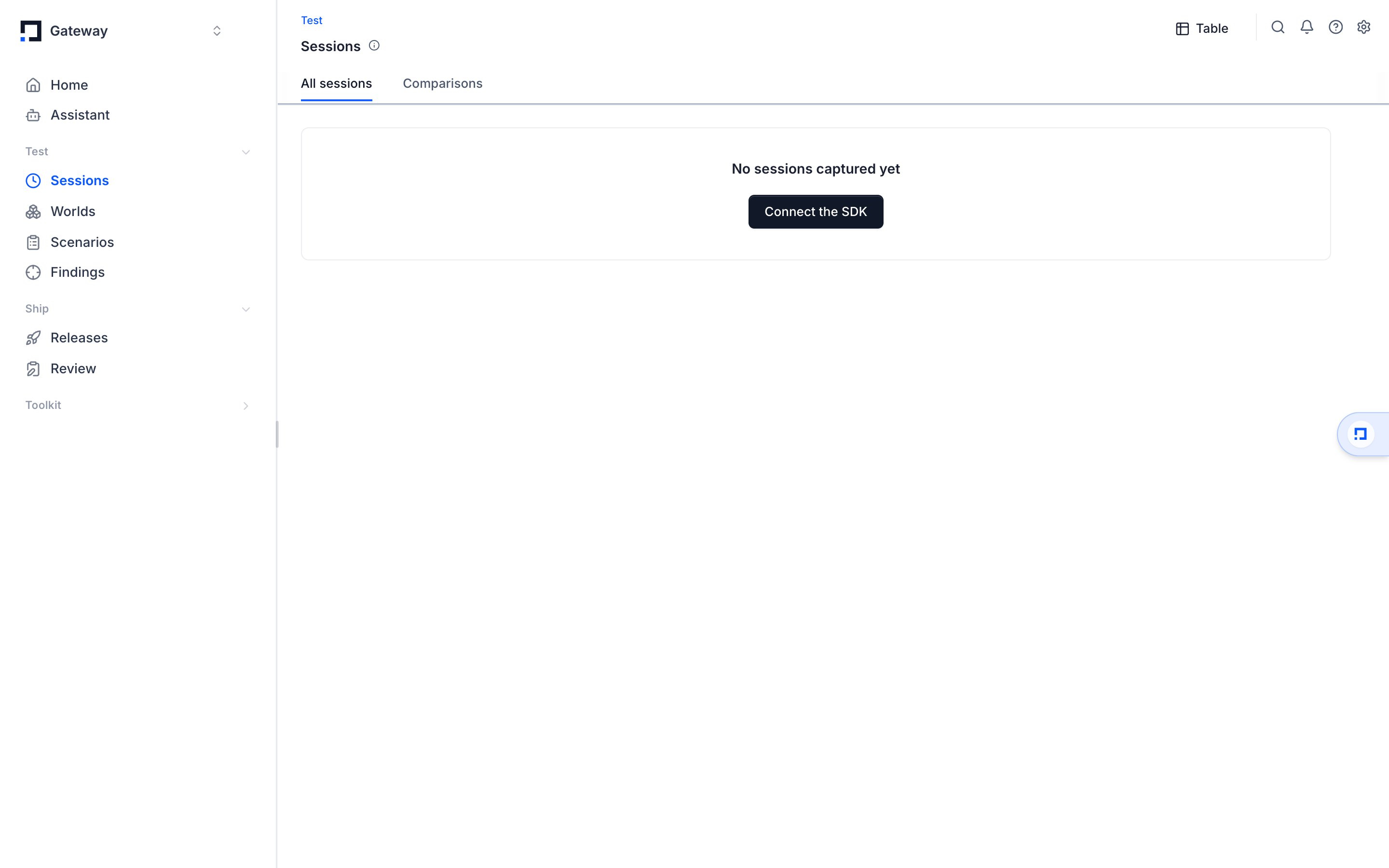
Select any row to open its detail view: every trace inside the session in order, and from there the full call tree of any one trace, each LLM call and tool call with latency, token counts, cost, and the messages exchanged.
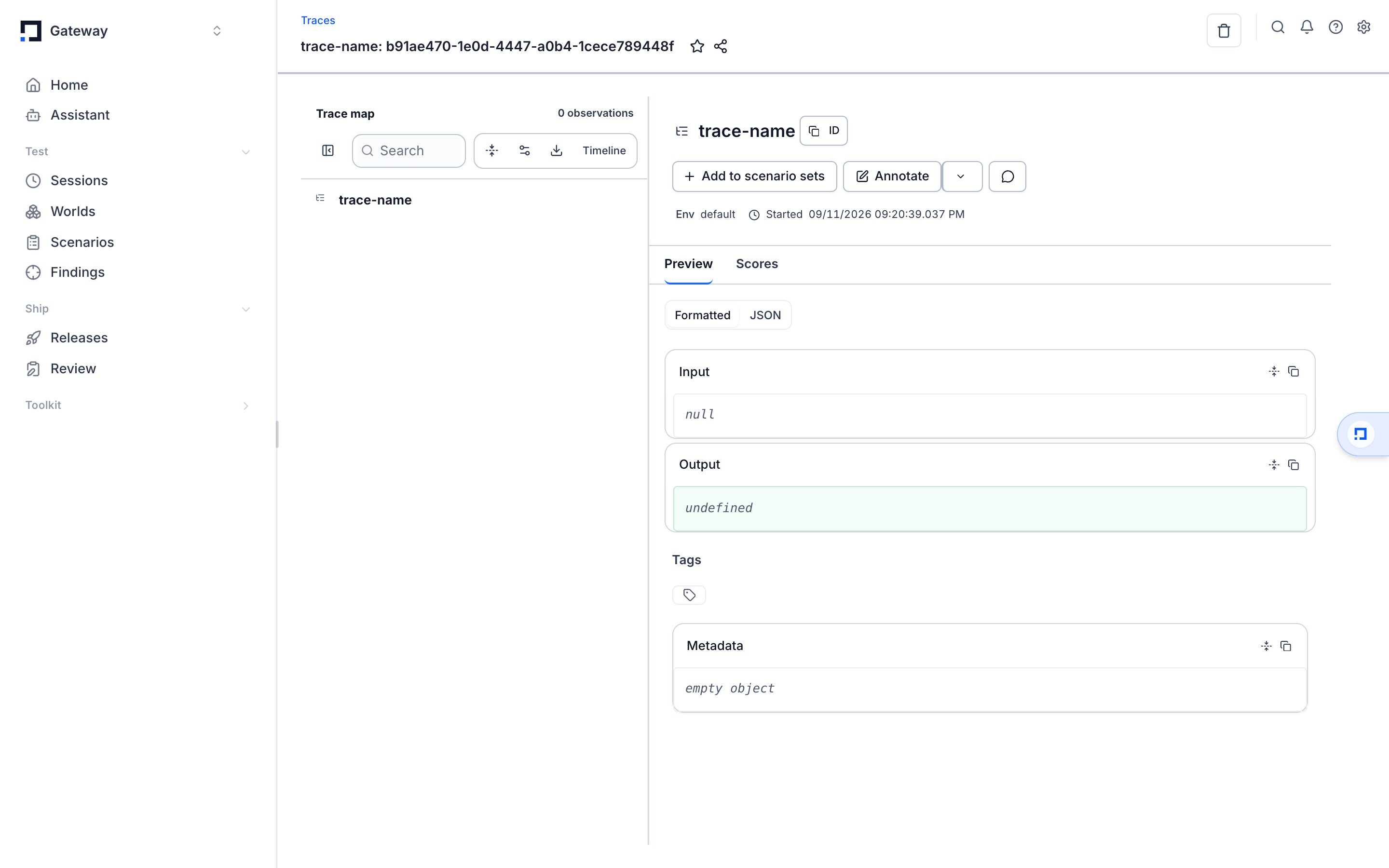
Filters live in the URL, so a filtered view is a shareable link. A blank score cell means no evaluator graded that run on that criterion: Surface Area never treats a missing score as zero.
Where to go next
- Metadata & identity: attach users and agents that sessions filter on.
- Instrument an agent: the span APIs that produce the traces inside a session.
- The dashboard walkthrough lives in Dashboard basics.