

gatewaysdk.tracing module instruments your agent with OpenTelemetry and exports the spans to your Surface Area project. Setup is one call, and the SDK captures calls to common LLM libraries with no extra code.
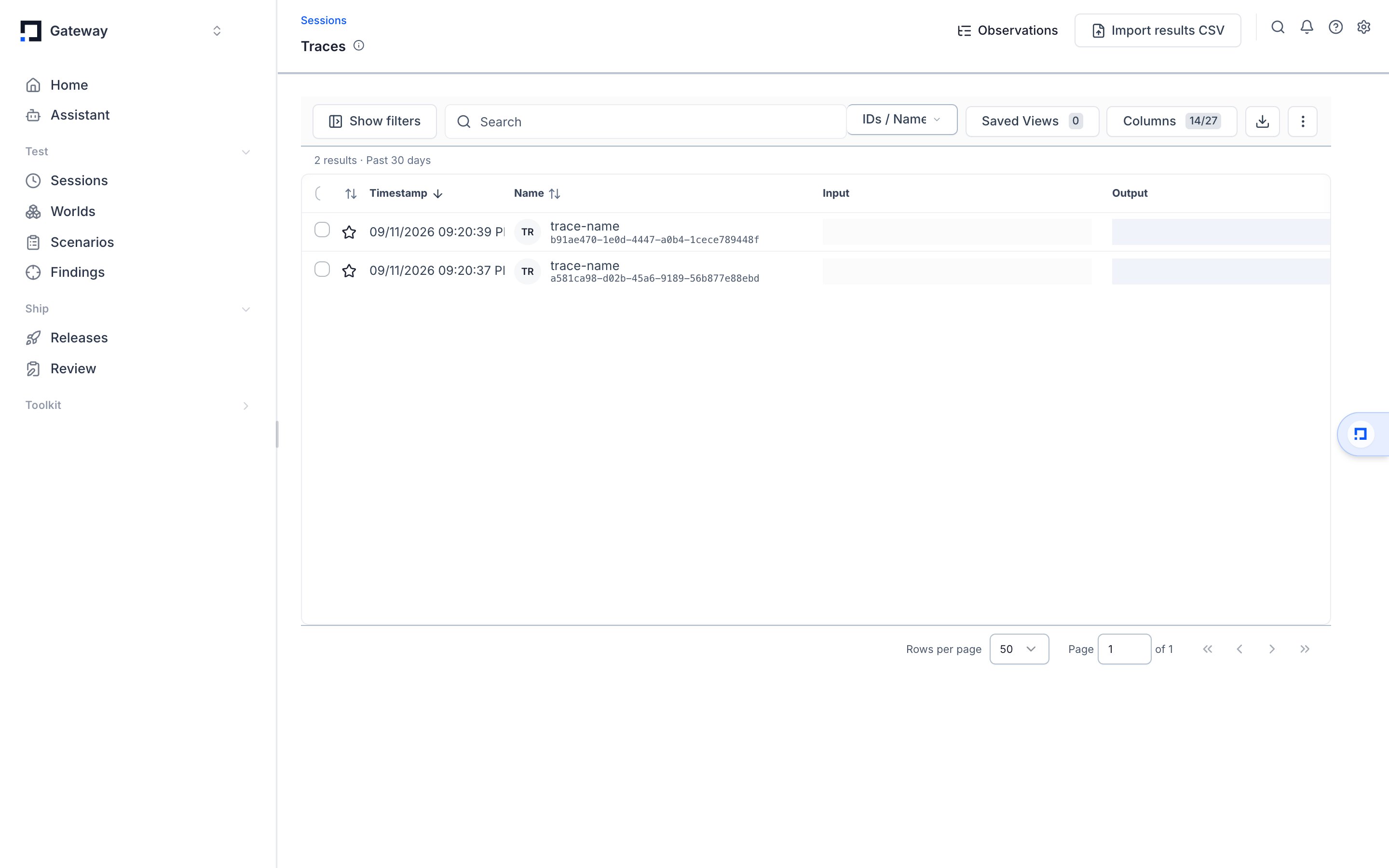
Traces and spans
A span is one timed unit of work: an LLM call, a tool call, a function, a retrieval step. Each span has a name, a start and end time, and attributes describing what happened. A trace is a tree of spans for one agent run. The root span is the run; child spans are the steps inside it. Spans are created three ways: automatically by auto-instrumentation, with the@tracing.trace decorator, or with the tracing.trace / tracing.span context managers. All three produce ordinary OpenTelemetry spans.
Traces versus sessions
A session groups several traces into one conversation or workflow. Every trace belongs to a session even when you write no grouping code. Set a session id explicitly to tie specific runs together, for example all the turns of one chat thread. See Sessions & traces for how grouping works.OpenTelemetry under the hood
Surface Area tracing is standard OpenTelemetry.tracing.init() configures an OpenTelemetry TracerProvider, and spans are exported over OTLP (the OpenTelemetry Protocol) via HTTP to a Surface Area ingestion endpoint.
Two consequences follow. Spans created by any OpenTelemetry-compatible instrumentor flow to Surface Area alongside your own, and the spans you create with tracing.span() are plain OpenTelemetry Span objects you can attach attributes to directly.
Because export is OTLP, the spans Surface Area ingests are the same spans any OpenTelemetry backend would receive. Surface Area adds its own attribute conventions (the
gateway.* namespace) on top, which power the dashboard’s input/output, user, and session views.Where to go next
- Instrument an agent: initialize the SDK and add spans with the decorator and context-manager APIs.
- Sessions & traces: group related runs into one session.
- Auto-instrumentation: the LLM and agent frameworks the SDK captures automatically.
- Metadata & identity: attach users, agents, tags, and custom metadata to spans.
- Export to Surface Area: configure where spans go and how they are batched.